

Gaming evolves fast—and if you’re trying to keep up with trending titles, shifting metas, and the mechanics that actually decide matches, you’re not alone. Players today aren’t just looking for surface-level updates; they want to understand how core game mechanics work, how esports team dynamics influence outcomes, and how roll-based gameplay analysis can sharpen decision-making in competitive environments.
This article is designed to break down the most important developments in modern gaming, from strategic insights to practical improvements you can apply immediately. Whether you’re climbing ranked ladders or fine-tuning your playstyle, we focus on actionable analysis rather than hype.
Our insights are built on deep gameplay breakdowns, competitive match reviews, and hands-on testing of strategies and gaming setup optimization techniques. That means you’re getting information grounded in real performance impact—not guesswork.
If you want clearer strategies, smarter adjustments, and a competitive edge rooted in understanding—not trends alone—you’re in the right place.
From Cluttered Desk to Competitive Edge
A cluttered gaming desk isn’t just ugly—it’s a hidden debuff. Tangled wires, low monitors, and awkward mouse placement quietly sabotage your reaction time and focus. (Yes, even that “one quick match” feels harder.)
The core issue is simple: poor ergonomics equals poor performance. Strain builds, distractions multiply, and you lose milliseconds that decide fights.
This guide delivers a clear framework for gaming setup optimization, turning chaos into a streamlined command center.
What’s in it for you?
- Faster reactions
- Sharper focus
- Longer, pain-free sessions
One organized shift can mean more wins.
Because comfort isn’t cosmetic—it’s competitive leverage.
The Ergonomic Triangle: Your Foundation for Endurance
If you’ve ever ended a session with a stiff neck and burning shoulders, you already know the truth: raw skill can’t outplay bad ergonomics. The Ergonomic Triangle—the relationship between your chair, desk, and monitor—is NON-NEGOTIABLE.
Chair & Posture Optimization
Start with your chair. Your feet should be flat on the floor, knees at a 90-degree angle, and your lower back fully supported. This neutral posture (meaning your joints are stacked naturally, not strained) reduces muscle fatigue and helps maintain alertness during long sessions. Slouching might feel relaxed for five minutes—but three hours later? REGRET.
Desk & Arm Alignment
Your desk height should let your elbows rest at roughly 90 degrees. Shoulders relaxed. Wrists straight. This is the neutral position for rapid mouse flicks and keyboard inputs. If your shoulders creep upward mid-match, that’s tension stealing your endurance.
- Elbows at 90 degrees
- Wrists straight, not bent
- Shoulders relaxed, not hunched
Critical Monitor Placement
Two golden rules:
- Top of the screen at or just below eye level
- About an arm’s length away
This prevents neck strain and improves full-screen awareness without constant head tilting. Ignore this, and you’ll feel it by game three. Smart gaming setup optimization starts here.
Mastering Your Input Zone: Keyboard & Mouse Placement
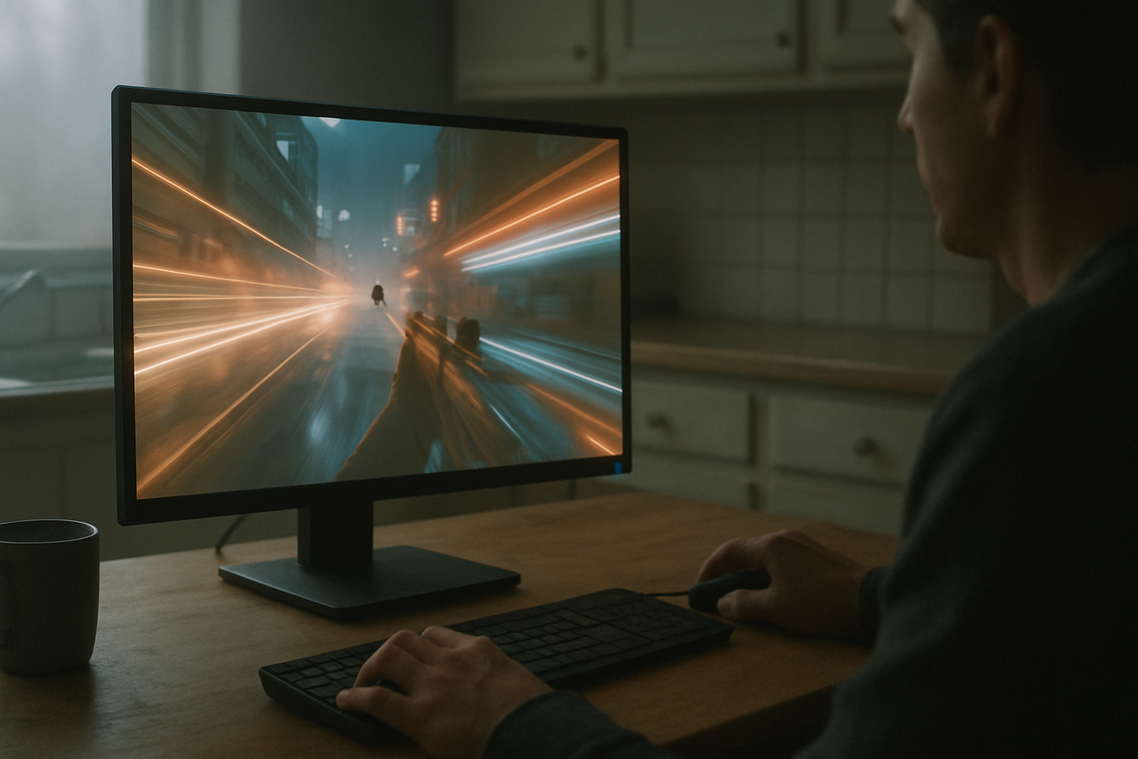
The Importance of Mouse Real Estate
First, let’s talk space. If you play on low DPI (dots per inch, meaning your cursor moves slower and requires larger hand movement), a cramped mousepad is your worst enemy. I recommend a surface at least 450mm x 400mm—anything smaller forces constant lifting, which breaks tracking mid-fight (and yes, that’s how you lose that 1v1).
Some argue large pads are overkill for casual players. However, even mid-sensitivity users benefit from smoother, uninterrupted swipes. A larger pad simply removes a limitation. Pro tip: choose a desk-length pad if you want consistent texture under both keyboard and mouse.
Keyboard Positioning for Performance
Traditionally, keyboards sit straight. But many pros angle theirs 15–30 degrees. Why? More mouse room. By rotating the keyboard, you free space for wider arm movement.
Critics say angled keyboards look flashy but strain wrists. That can happen—if you over-rotate. Instead, test small adjustments and keep your wrist neutral. Comfort beats copying your favorite Valorant pro.
Promote Arm Aiming Over Wrist Aiming
Wrist aiming relies on small flicks. Arm aiming uses your forearm and shoulder for broader, controlled motion. The latter improves consistency and reduces repetitive strain injuries, according to ergonomic research (OSHA).
If you’re serious about gaming setup optimization, retrain yourself to move from the elbow. It feels awkward at first (like switching to southpaw), but it pays off.
Eliminate Cable Drag
Finally, cable snag kills precision. Use a mouse bungee or tape the cable to your monitor’s back for slack. Alternatively, go wireless—and pair it with https://popguroll.com/choosing-the-right-monitor-for-competitive-gaming/ for a fully optimized battlestation.
The Heart of the Battlestation: PC Placement & Airflow
The great battlestation debate: PC on the desk or on the floor? Both camps swear they’re right (and both have receipts).
On the Desk
- Cleaner aesthetics (RGB deserves to be seen)
- Easier access to ports
- Less dust intake
- Slightly louder since it’s closer to your ears
On the Floor
- Frees up desk space
- Often quieter due to distance
- Higher dust risk
- Harder to reach ports
Some argue placement is purely about looks. But that misses the bigger point: AIRFLOW IS PERFORMANCE.
Your PC case has intake vents (usually front or bottom) and exhaust vents (rear or top). These regulate thermal efficiency—the system’s ability to move heat away from components. Block those vents with a wall, carpet, or drawer, and you trap heat. And heat throttles performance (yes, even in clutch moments). A cooler PC is a faster, more stable PC. According to NVIDIA, high GPU temperatures can reduce boost clock speeds to protect hardware.
Looking ahead, I predict more cases will prioritize vertical airflow and bottom-to-top chimney designs—especially as GPUs grow hungrier for power. That’s speculation, but the trend is already visible at major trade shows.
A Practical Guide to Cable Management
- Unplug everything.
- Group cables by function: power, display, USB.
- Route high-traffic cables first.
Tools and Techniques for a Clean Setup
- Velcro ties
- Cable sleeves
- Under-desk raceways
Run cables along desk legs or behind monitor arms so they disappear (like a stealth build in an RPG). This prevents snags and supports true gaming setup optimization. Pro tip: label both ends of key cables—you’ll thank yourself later. For deeper setup breakdowns, see this guide.
Achieving Total Immersion: Audio & Lighting
For true immersion and gaming setup optimization, start with your soundstage. Position bookshelf speakers at ear level, forming an equilateral triangle with your head to create accurate stereo imaging—meaning distinct left and right channel separation. If you use a headset, mount a stand or under-desk hook to prevent cable strain and desk clutter (trust me).
Next, install bias lighting: a soft LED strip behind your monitor. This gentle backlight reduces contrast between a bright screen and dark room, easing eye fatigue and tension headaches during marathon sessions. Pro tip: choose 6500K bulbs for accuracy.
The final truth is simple: your setup shapes your skill. A deliberately arranged desk is not decoration; it is infrastructure. In other words, it affects reaction time, accuracy, and endurance. Clutter, poor ergonomics (how your body aligns with desk, chair, and screen), and cable snags quietly drain focus like background lag.
By applying the ergonomic triangle—monitor, keyboard, and mouse positioned for minimal strain—plus disciplined peripheral placement and smart cable routing, you create stability. That stability converts to consistency.
Now, take one step: raise your monitor to eye level or clear your mousepad today. Feel the difference immediately. — gaming setup optimization
Level Up Your Competitive Edge
You came here to better understand the trends shaping modern gaming—from esports team dynamics to roll-based mechanics and performance-driven strategies. Now you have a clearer picture of how these elements connect and how they influence your results in real matches.
The difference between average and elite players isn’t just talent. It’s awareness, adaptation, and smart decision-making. Ignoring evolving metas, misreading team roles, or overlooking gaming setup optimization can quietly hold you back while others surge ahead.
If you’re serious about improving, don’t stop here. Apply what you’ve learned. Analyze your gameplay patterns. Refine your role execution. Upgrade and fine-tune your setup so it supports peak performance instead of limiting it.
Thousands of competitive players rely on proven strategies and data-backed insights to sharpen their edge. Do the same. Dive deeper into advanced breakdowns, optimize your environment, and start turning every match into a calculated advantage today.