Most players obsess over frame rates and resolution, but matches are often won or lost through sound. If you’re serious about climbing the ranks, your gaming audio setup isn’t optional—it’s your competitive edge. This guide breaks down the essential audio gear that separates casual players from esports-level competitors and explains why specific features directly impact reaction time, positioning, and split-second decisions. Based on thousands of hours of competitive gameplay analysis, we’ll show you what actually matters, what’s marketing fluff, and how to choose the right audio configuration for your playstyle and budget.
Choosing between an all-in-one headset and a separate headphone-and-mic combo seems simple, but it shapes your entire gaming audio setup. Many players assume “more gear equals better sound.” That’s not always true. Convenience, budget, and competitive goals matter just as much as raw specs.
The All-in-One Solution: Gaming Headsets
Integrated headsets offer plug-and-play simplicity. You get speakers and a mic tuned to work together, usually over USB or a single 3.5mm jack. They’re cost-effective and desk-friendly. However, the trade-off is real: smaller drivers can limit soundstage (the perceived width and depth of audio), and built-in mics often compress your voice.
Yet here’s the contrarian twist: for most casual gamers, that limitation barely matters. If you’re playing co-op shooters or RPGs, positional perfection isn’t life or death. A quality headset delivers immersion without clutter (and without turning your desk into a recording studio).
The Audiophile Approach: Studio Headphones + Standalone Microphone
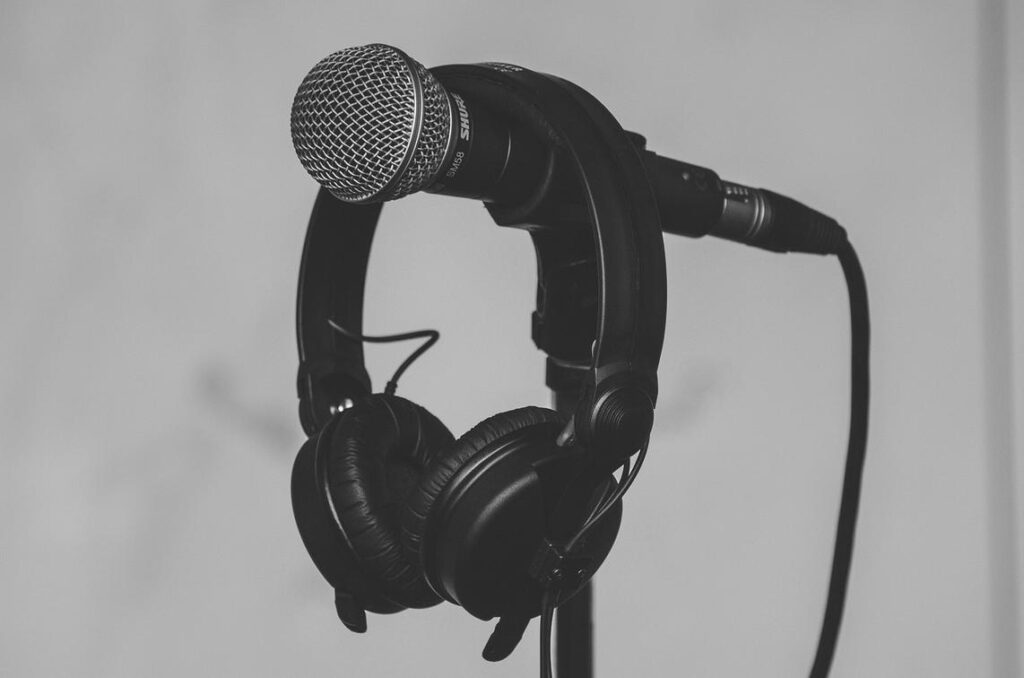
On the other hand, studio headphones prioritize imaging (how accurately sounds are placed in space) and clarity. Paired with a standalone condenser or dynamic mic, your voice becomes broadcast-ready. This setup excels for competitive esports and streaming. Still, it costs more, consumes space, and may require an audio interface to power everything properly.
Here’s another unpopular opinion: not every ranked grinder needs this level of gear. Skill, map knowledge, and communication often outweigh marginal audio gains. But if you’re chasing tournament-level edges, those marginal gains stack up.
Which path is for you? Beginners and casual players should embrace a mid-range headset. Competitive players and streamers benefit from dedicated components that scale with ambition.
Decoding Headphone Specs for a Tactical Advantage
Soundstage & Imaging: Your In-Game Radar
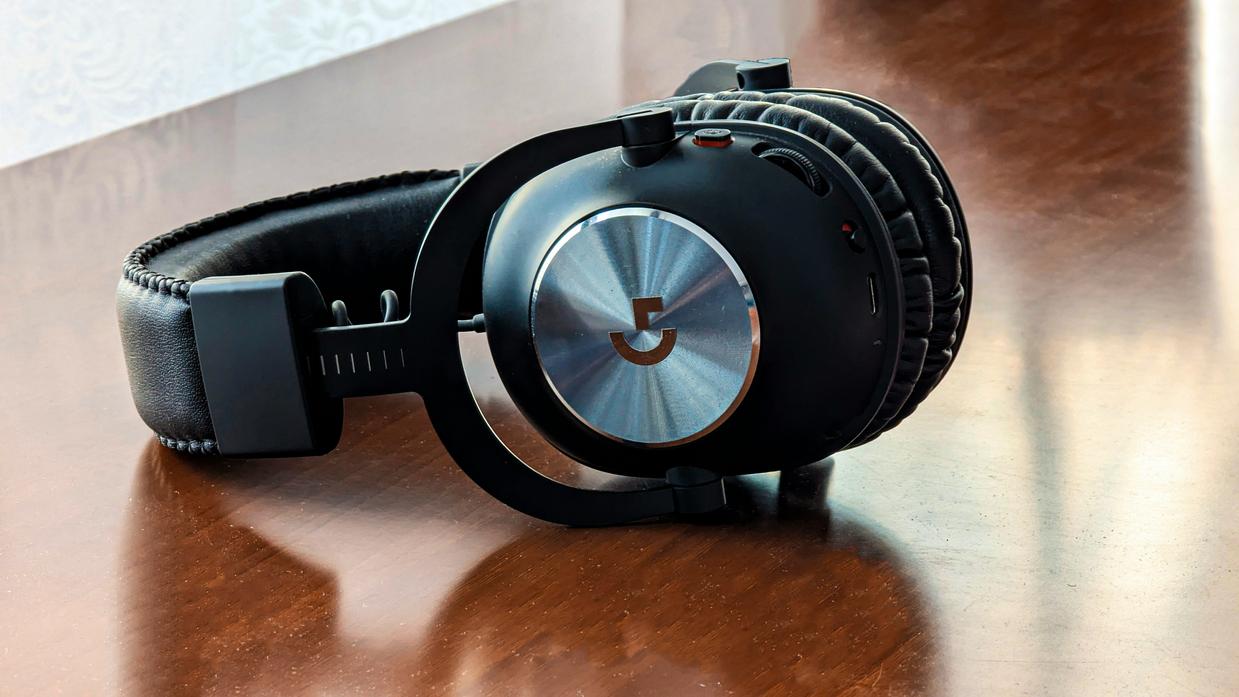
If you play FPS titles, soundstage and imaging are EVERYTHING. Soundstage is the perceived width and depth of audio—how “big” the world sounds inside your headphones. Imaging is how accurately those headphones place sounds in specific positions (left, right, behind, slightly above).
In practical terms? It’s how you hear footsteps creeping up your six o’clock before you see the kill cam. Competitive players consistently rank positional audio as a top performance factor in FPS environments (RTINGS, 2023).
Recommendation: Prioritize headphones known for precise stereo imaging over bass-heavy “gaming” branding. Clean positional cues beat rumble every time.
Open-Back vs. Closed-Back Designs
Open-back headphones have perforated ear cups that let air and sound pass through. This creates a wider, more natural soundstage—but they leak sound. Closed-back models seal the ear cups, blocking external noise and boosting bass response, though sometimes at the cost of spatial width.
If you play in a QUIET room, go open-back for maximum spatial awareness. If you’re at tournaments or in a noisy home, closed-back is the smarter choice for focus and isolation. Pro tip: test both before committing—comfort matters in long scrims.
Wired vs. Wireless: The Latency Question
Not all wireless lags. Modern 2.4GHz low-latency wireless can deliver sub-20ms delay—virtually imperceptible in real play (SoundGuys, 2024). Still, wired guarantees zero latency and no battery anxiety.
If you’re optimizing every millisecond, pair your headset choice with other reducing input lag practical steps for smoother gameplay.
Virtual Surround Sound (7.1): Gimmick or Godsend?
Virtual Surround Sound (VSS) digitally simulates multi-speaker environments. Sometimes it adds immersion. Often, it muddies directional accuracy.
For competitive play, high-quality stereo imaging usually outperforms artificial 7.1 processing. Keep your gaming audio setup SIMPLE and precise. When it comes to clutch moments, clarity beats gimmicks (and yes, your K/D will thank you).
Your Voice Matters: Choosing a Microphone for Clear Comms
Your mic isn’t just a tool—it’s your in-game presence. If your squad can’t hear you clearly, callouts get missed and teamwork suffers.
The Baseline: Headset Microphones
Modern headset mics are better than they used to be. Noise cancellation and digital tuning have improved. Still, they often use heavy compression (audio processing that flattens volume differences), which can make voices sound thin or robotic. They also tend to pick up keyboard clicks and room noise.
The Upgrade: Standalone USB Microphones
For most players, USB mics hit the sweet spot. You plug them in, select them in your gaming audio setup, and you’re good to go. They offer clearer voice capture, better background rejection, and richer tone—without extra gear.
- Easy plug-and-play setup
- Noticeably clearer comms
- Affordable for most budgets
Pro tip: Position the mic slightly off to the side of your mouth to reduce harsh breathing sounds.
The Pro Tier: XLR Microphones
XLR mics connect through an audio interface (a device that converts analog sound into digital). They deliver top-tier clarity and control—but require more setup and cost.
Do you need a DAC or amp? A Digital-to-Analog Converter, or DAC, translates the cold, mathematical 1s and 0s from your PC into the warm electrical signal your headphones can actually play. An amplifier then gives that signal muscle, pushing sound with clean authority instead of thin hiss. Not every headset demands one, but high-impedance models often wake up dramatically, revealing sharper footsteps and tighter bass. Skeptics argue modern motherboards are “good enough.” Sometimes, yes, but if you’ve heard static in quiet menus or muddy explosions, you’ll notice the upgrade.
Software matters, too. Equalization, or EQ, reshapes frequencies like a sculptor carving marble. In your gaming audio setup, create a custom profile and slightly boost the 2kHz–4kHz range to make enemy footsteps cut through gunfire. Pro tip: keep boosts subtle—about 2–3dB—so the mix stays natural, not piercing. It won’t replace skill, but it can make distant movement feel closer.
Optimizing your audio setup not only enhances your gaming experience, but it also plays a crucial role in how effectively you can communicate with your teammates, as discussed in our article on How Communication Shapes Success in Esports Teams.
Assembling Your Ultimate Audio Loadout
You came here to build a smarter, performance-driven gaming audio setup—and now you have the framework to do exactly that. No more guessing. No more falling for flashy marketing. You understand how soundstage, imaging, and vocal clarity directly impact your reaction time and in-game awareness.
Don’t let weak audio be the reason you lose another 1v1. Every missed footstep and unclear callout puts you at a disadvantage.
Upgrade with intention. Identify the single biggest weakness in your current setup and fix it first. Make that change today—and turn every match into your competitive edge.